
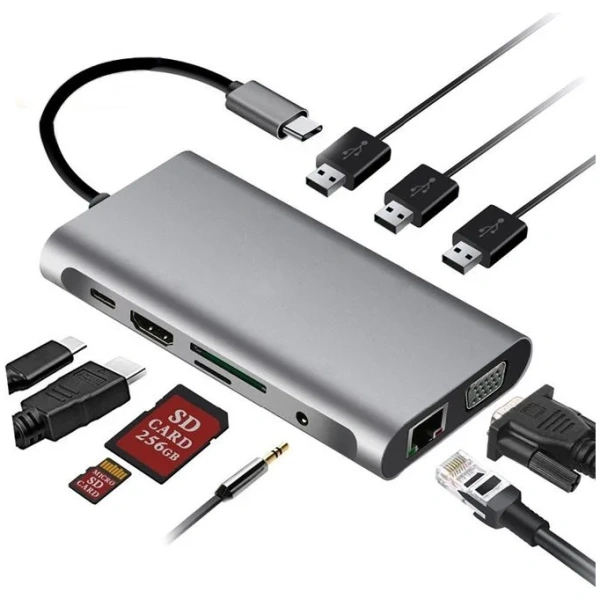
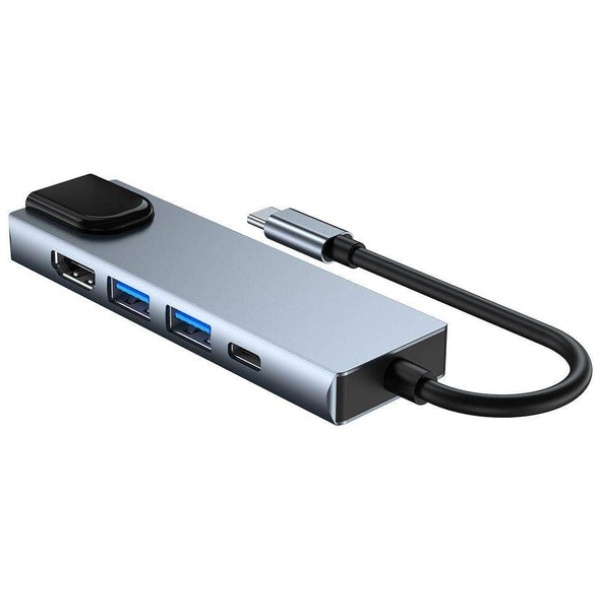
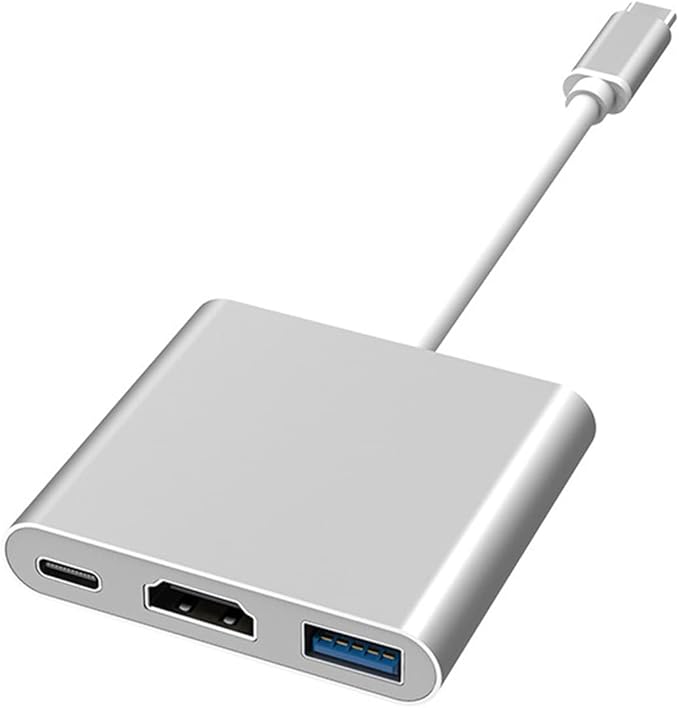
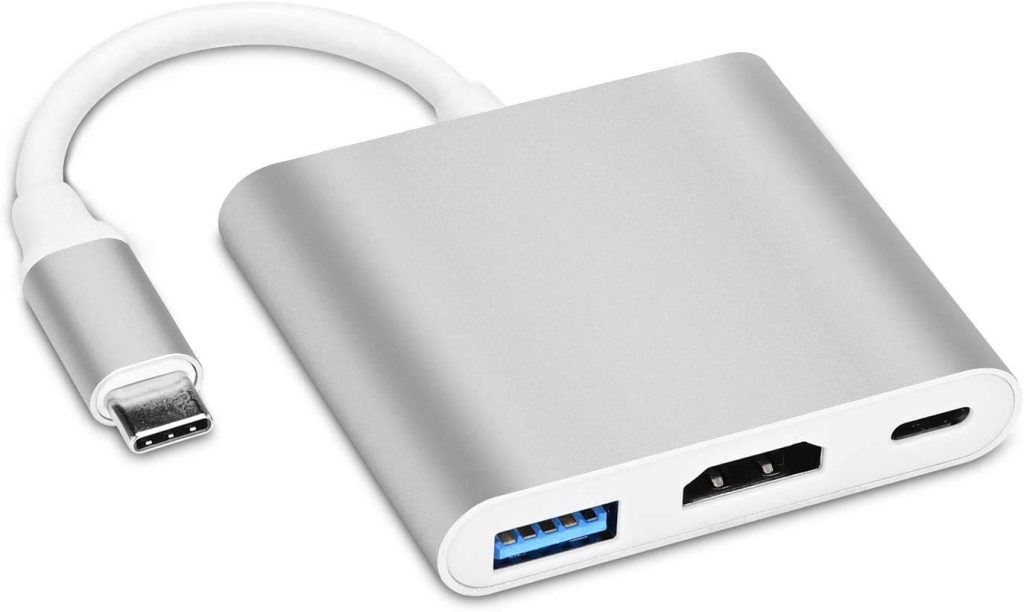
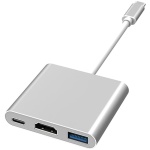
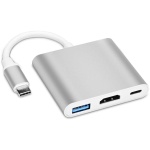

Type-C Hub 3-in-1 with 100 Mbps Ethernet
The Type-C Hub 3-in-1 100 Mbps is a compact and versatile accessory designed to expand the capabilities of your USB-C device. Whether you’re using a laptop, tablet, or smartphone with USB-C, this hub turns one port into three useful interfaces — ideal for modern professionals, students, creators, and travelers. You get data, networking, and power options in a sleek, durable package.
This hub has been engineered to meet everyday connectivity demands while maintaining elegance, portability, and reliability.
Key Features & Highlights
- 3-in-1 Functionality — This hub integrates three core interfaces: a USB-A data port, a USB-C pass-through or power delivery (PD) port, and an RJ45 Ethernet port rated at 100 Mbps.
- 100 Mbps Ethernet Connectivity — Built-in wired networking support ensures stable, fast connections in environments where Wi-Fi is unreliable or congested.
- High-speed USB Data — The USB-A port supports standard data transfer (often up to USB 3.0 / 5 Gbps depending on model) for external drives, flash drives, card readers, peripherals, and more.
- USB-C Power Delivery (PD) — Pass charging through the hub so your main device remains powered even while other ports are in use.
- Plug & Play Compatibility — No drivers required. Works out of the box across most operating systems including Windows, macOS, Linux, and many Android variants.
- Compact, Durable Design — Slim aluminum or alloy shell (varies by version) helps with heat dissipation, while compact size makes it easy to carry in a bag or laptop sleeve.
- Broad Device Compatibility — Works with USB-C laptops, tablets, Chromebooks, and some smartphones (depending on whether they support USB-C with OTG or host mode).
Use Cases & Benefits
Reliable Wired Networking
In offices, meeting rooms, hotels, or event venues where Wi-Fi can be spotty, the 100 Mbps Ethernet port ensures you stay connected with low latency, consistent throughput, and reduced interference. Ideal for video calls, large downloads, streaming, or cloud-based work.
Expand USB Functionality
Use the USB-A data port to plug in flash drives, external SSDs, card readers, webcams, or other accessories. It gives you flexibility beyond what a single USB-C port can offer.
Simultaneous Power & Data
With power delivery support, you can charge your laptop or tablet through the hub while using its other ports. This means fewer cables and less hassle.
Productivity on the Go
The hub is perfect for mobile professionals. Lightweight and portable, it slips into your bag and instantly expands your USB-C port into a small workstation. No more carrying multiple dongles.
Seamless Compatibility
Thanks to plug-and-play support, almost no configuration is needed. It works immediately when plugged in, making it suitable for both technical and nontechnical users.
Technical Specifications (Example / Typical)
Here’s a representative spec sheet (actual values may vary depending on brand/model):
| Feature | Specification |
|---|---|
| Interface Type | USB-C male (to host) |
| Data Ports | 1 × USB-A (data) |
| Ethernet | 1 × RJ45, 100 Mbps (supports 10/100 Mbps) |
| Power Delivery (PD) | Up to e.g. 60W / 100W (depends on variant) |
| Transfer Speed (USB) | Up to 5 Gbps (if USB 3.0 on data port) |
| Operating System Support | Windows, macOS, Linux, Android, Chrome OS |
| Plug & Play | Yes, no drivers required in most cases |
| Housing / Material | Aluminum alloy or metal shell (for durability / heat dissipation) |
| Dimensions / Weight | Very compact — fits palm-size or laptop bag |
| Cable / Connector Length | Often integrated short USB-C cable or stub |
Design & Build
This hub is designed with both aesthetics and function in mind. Its slim, minimalist housing resists scratches, while internal shielding helps reduce interference. Thanks to a metal shell (common in many models), it also aids in passive cooling — preventing overheating during extended use. The connectors are reinforced to endure repeated insertion cycles.
Structural compactness means it doesn’t add bulk to your setup. The hub is light enough to travel with your device without being burdensome.
Tips for Use & Best Practices
- Use quality cables — Especially for Ethernet or PD, use good-rated cables to get full performance.
- Update firmware / drivers if needed — Some OS updates may require updating hub firmware or network drivers.
- Check power budgets — If your laptop is high-powered, ensure the hub’s PD rating is enough to keep it sufficiently charged.
- Avoid daisy chaining too many high-draw devices — The hub is great for moderate use; very power-hungry peripherals might tax the USB data port.
- Ventilation — Because some heat is generated when transferring data and passing power, ensure the hub isn’t tucked into tight, unventilated pockets while active.
Summary
The Type-C Hub 3-in-1 100 Mbps is a smart, efficient way to expand your USB-C device’s capabilities without complexity. With Ethernet for dependable networking, a USB-A port for data, and USB-C for power, it delivers essential versatility in a compact form. Perfect for professionals, digital nomads, or anyone wanting to make the most of a single USB-C port.
Would you like me to format this as bullet-point highlights for quick scanning or an e-commerce listing (200–300 words) version?


Reviews
There are no reviews yet.